Web terminal
The web terminal opens a shell on a server through its agent. It works even when SSH is closed, because the agent dials out to Falak. Sessions are recorded and can be shared with colleagues.
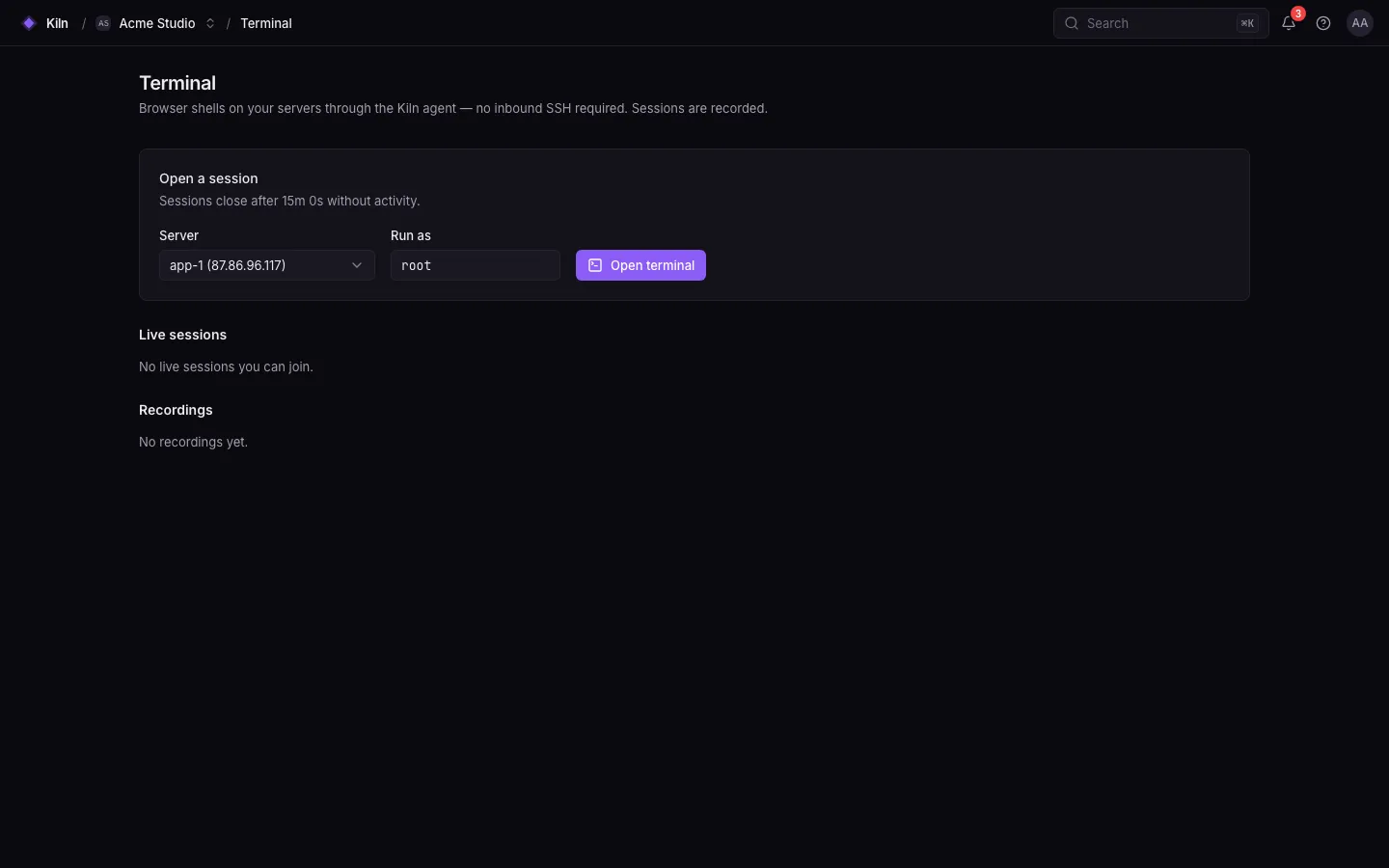
Open a session
Section titled “Open a session”- Open the server page → Terminal (or ⌘K → Terminal).
- Pick the Linux user (default
root;FALAK_TERMINAL_DEFAULT_USERchanges the default). - Start typing. The terminal is
xterm-256colorrunning/bin/bash.
Only members with terminal.open (owners and admins) can open sessions.
Sharing and recordings
Section titled “Sharing and recordings”| Action | Permission |
|---|---|
| Open your own sessions | terminal.open |
| Mark a session shared so others can watch it | the session owner |
| Watch other members’ shared sessions | terminal.attach |
| Type into and close sessions opened by others | terminal.control |
| Replay other members’ recordings | terminal.recordings.view |
Every session is recorded and can be replayed later from the terminal list.
Timeouts
Section titled “Timeouts”| Setting | Default | Variable |
|---|---|---|
| Idle timeout (no keystrokes or output) | 900 s | FALAK_TERMINAL_IDLE_TIMEOUT |
| Maximum session length | 3600 s (Fleet’s hard limit for a command) | FALAK_TERMINAL_MAX_DURATION |
SSH instead
Section titled “SSH instead”Prefer your own terminal? Add your public key under Settings → SSH keys (it is synced to the falak user on every server), then:
falak ssh app-1See SSH keys.
Limits
Section titled “Limits”- The web terminal is covered by unit and feature tests, not yet by the end-to-end suite.
- Input is limited to 16 KiB per request; very large pastes are split.